

Contact support
Chat in the app
Click Help (?) > Contact support in a file, or Help & feedback > Contact support in the sidebar.
Email [email protected].
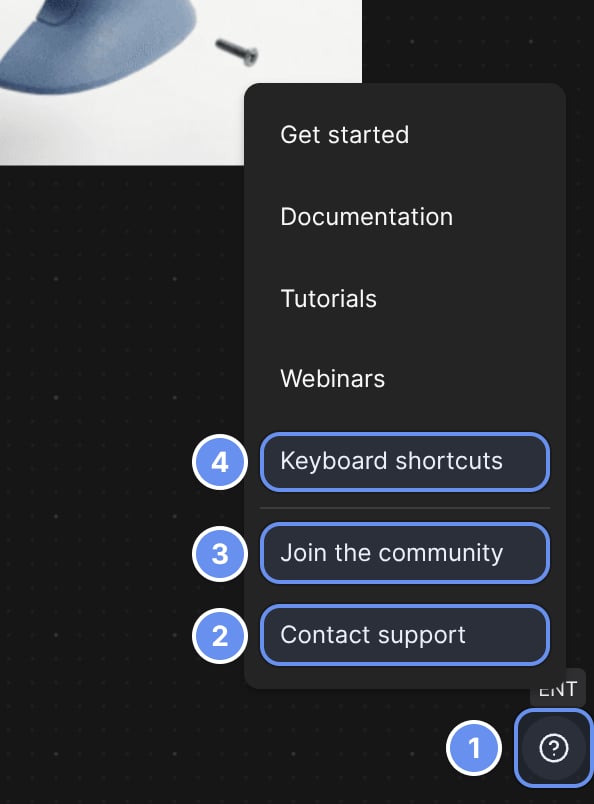
Help (?) (1): Contact support (2), Join the community (3) and Keyboard shortcuts (4).
Help yourself first
Troubleshooting
Messages and fixes.
Where is it?
Renamed and moved tools.
FAQ
Quick answers.
What's new
Recent changes.
Community
Join the Vizcom Discord
Ask questions and share work with other designers, from Help (?) 3 > Join the community.
Learning resources
Learn in the sidebar also has template files, and Help (?) > Get started replays the in-app tips.