

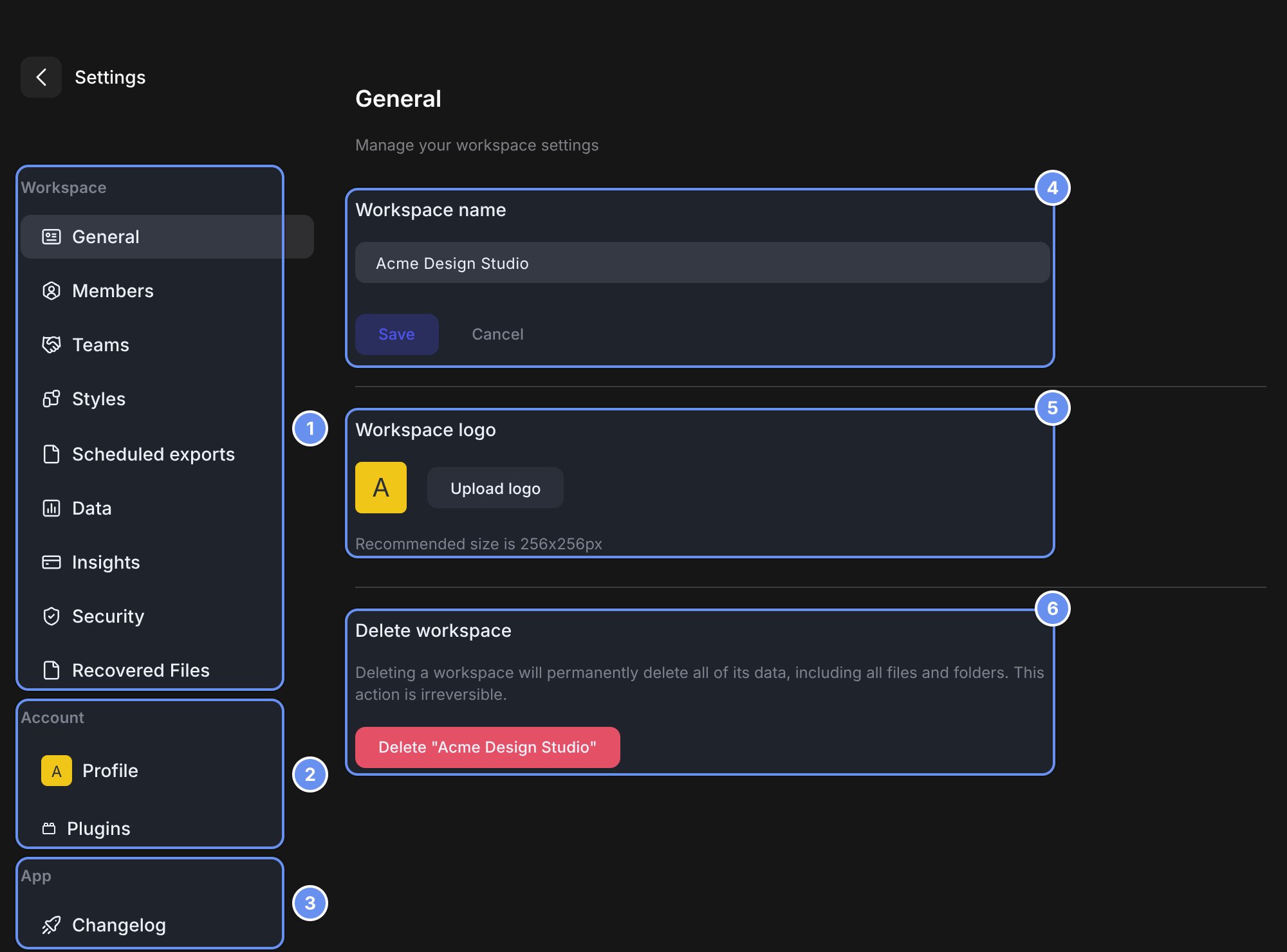
Workspace (1), Account (2) and App (3) pages; workspace name (4), logo (5), Delete workspace (6).
Every Settings page
The sidebar groups pages into Workspace 1, Account 2 and App 3, and hides pages you can’t use. Admins below means Workspace Admins and Billing Admins.
Account pages belong to you and look the same in every workspace. Org Admins also have an organization console with its own settings.
Related
Admin overview
The first-week checklist.
Roles and permissions
Who can do what.