

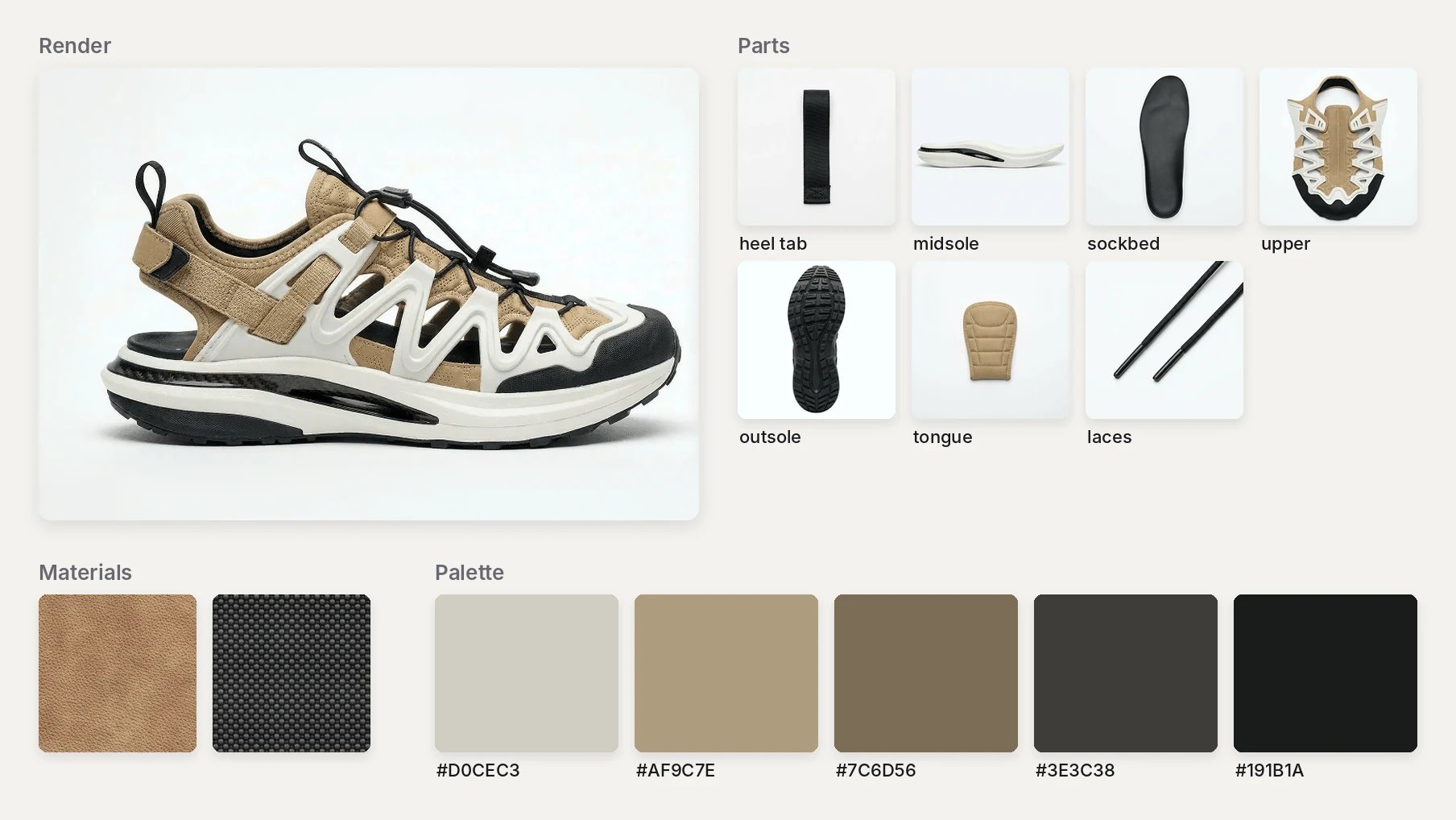
A hiking sandal CMF board: render, parts, material swatches and palette.
Steps
- Drag from the render’s + handle and choose Extract. It opens on the Color tab.
- Set Sample by to Subject, then save the palette from its … menu: Add to library… or Export as… > ASE.
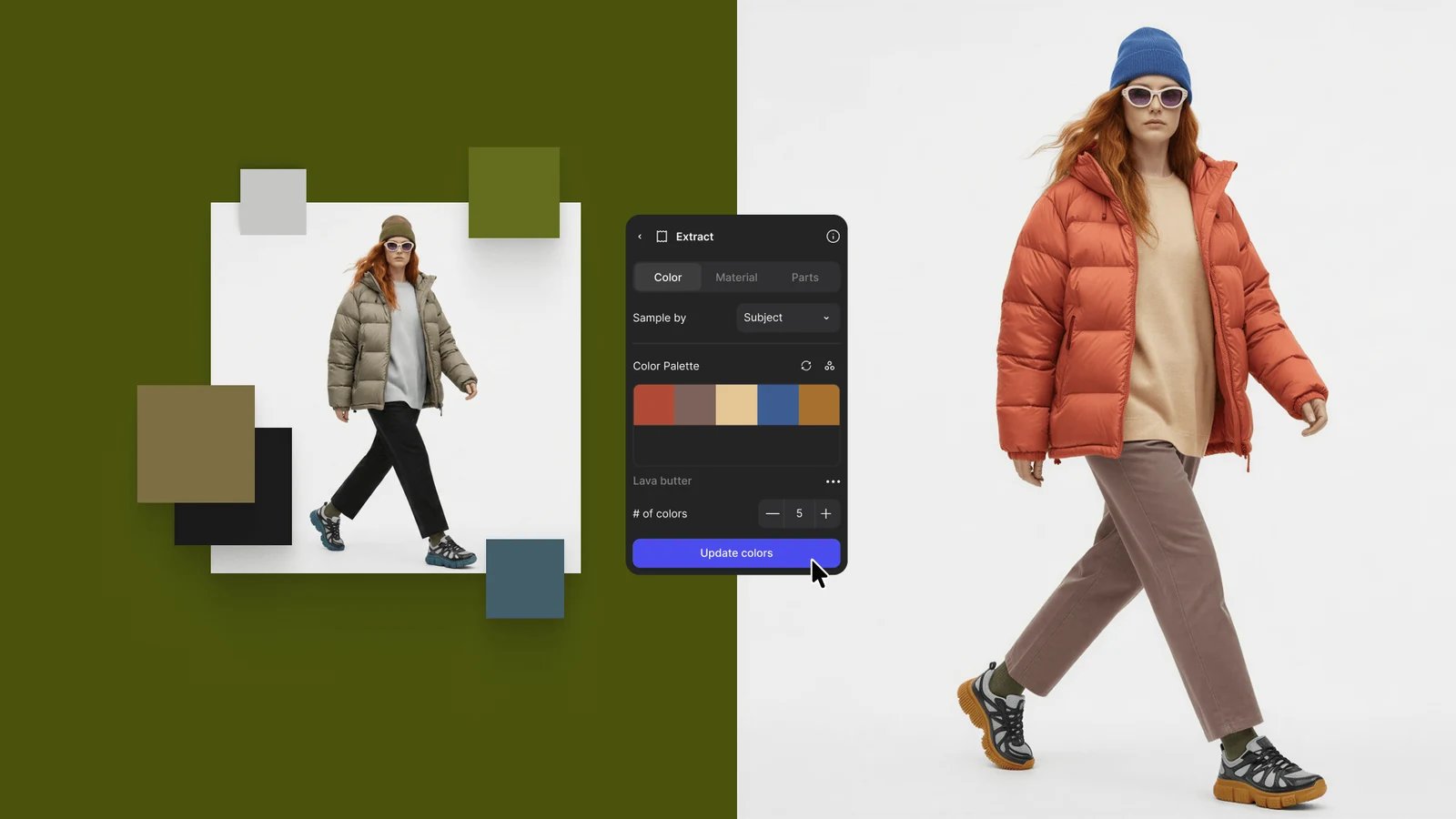
Edit the palette on the Color tab, then click Update colors to recolor.
- On the Material tab, frame one finish, describe it in Clarify material to generate and click Extract material.
- On the Parts tab, uncheck or rename parts and click Extract N parts, then Export BOM for a CSV.
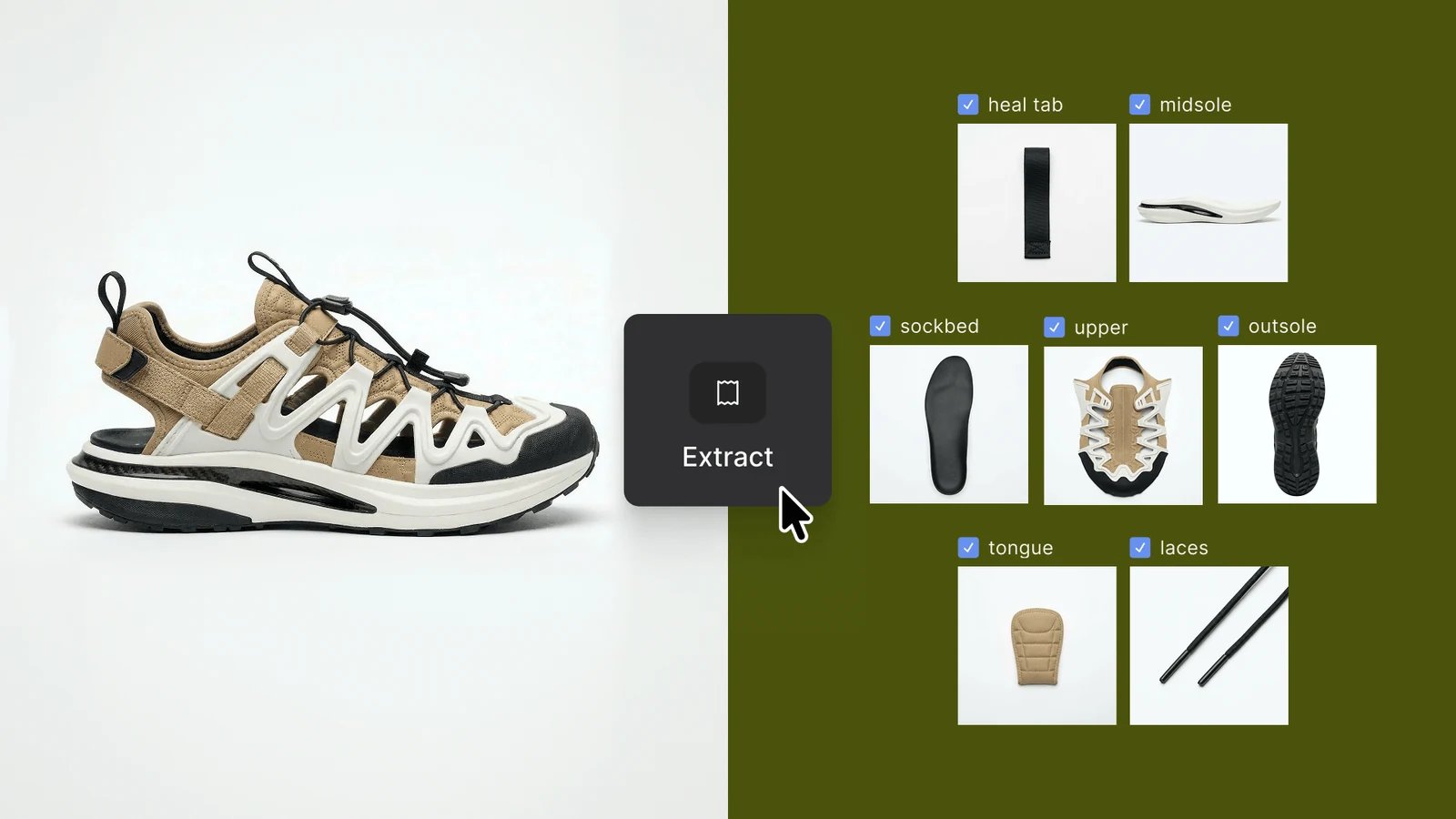
Extract finds each part and generates it as its own image.
- Select the render, press Q and prompt Modify: “Generate a CMF mood board out of this product”.
- Wrap everything in a section with Shift + S, and press T to label each swatch (Canvas elements).
- Right-click the section, choose Export…, and send the images with the BOM CSV and ASE file (Export).
Good to know
- Extracting a palette and detecting parts are free. Each swatch and each part is a generation (Credits).
- BOM values are estimates read from the image, not measurements. Review them with engineering.
- The parts list holds up to 10 parts.
Related
Extract parts
The Parts tab and the BOM.
Colors and materials
Palettes, swatches and PBR maps.
Extract
Every Extract option.
Colorway set
Colorways from the same render.