

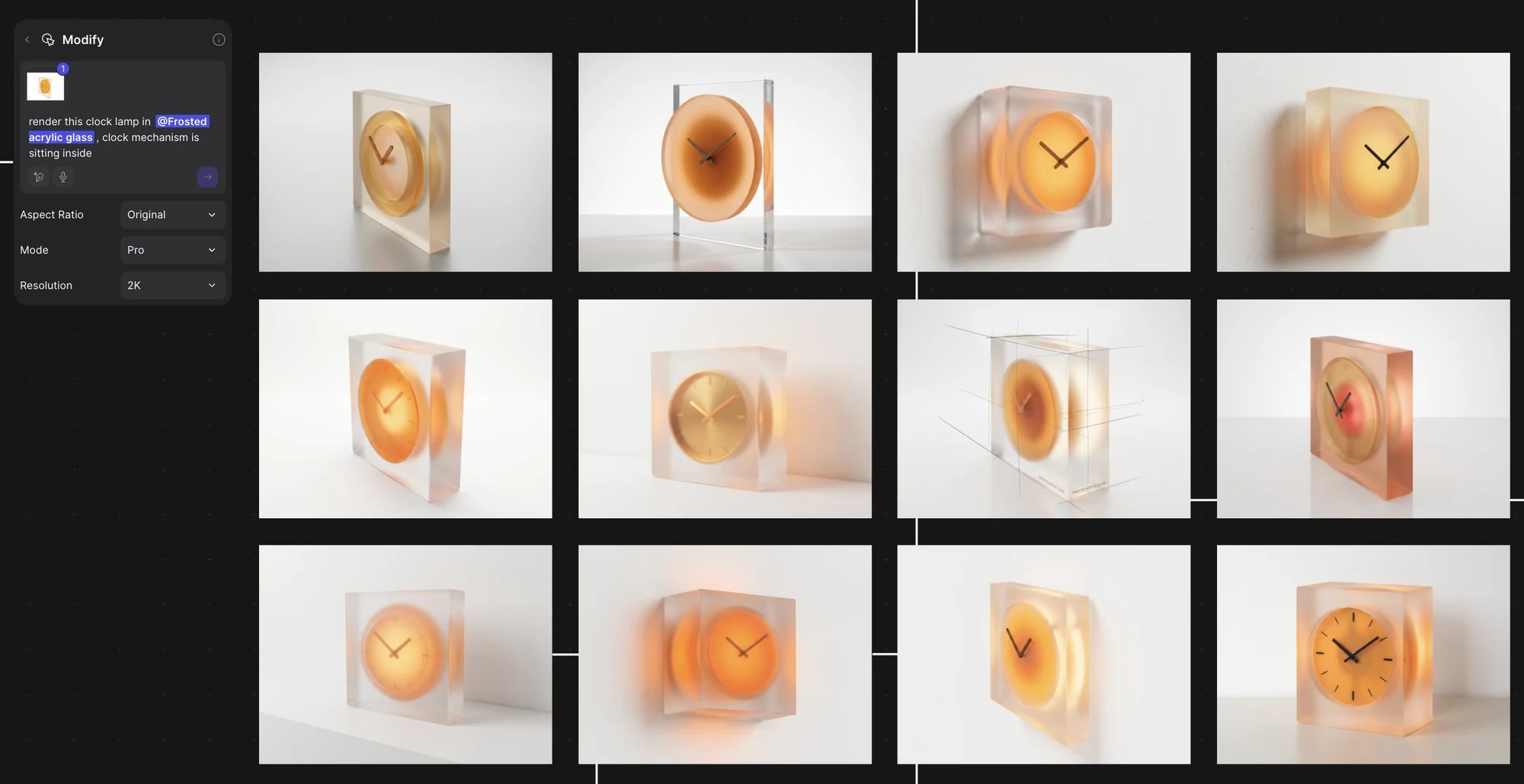
One prompt mentioning a style collection, and twelve renders that share its look.
Steps
- Put the brand images on a canvas, select them and click Add to library > Collection (Collections).
- Set the type to Brand and edit the description to name what makes the brand.
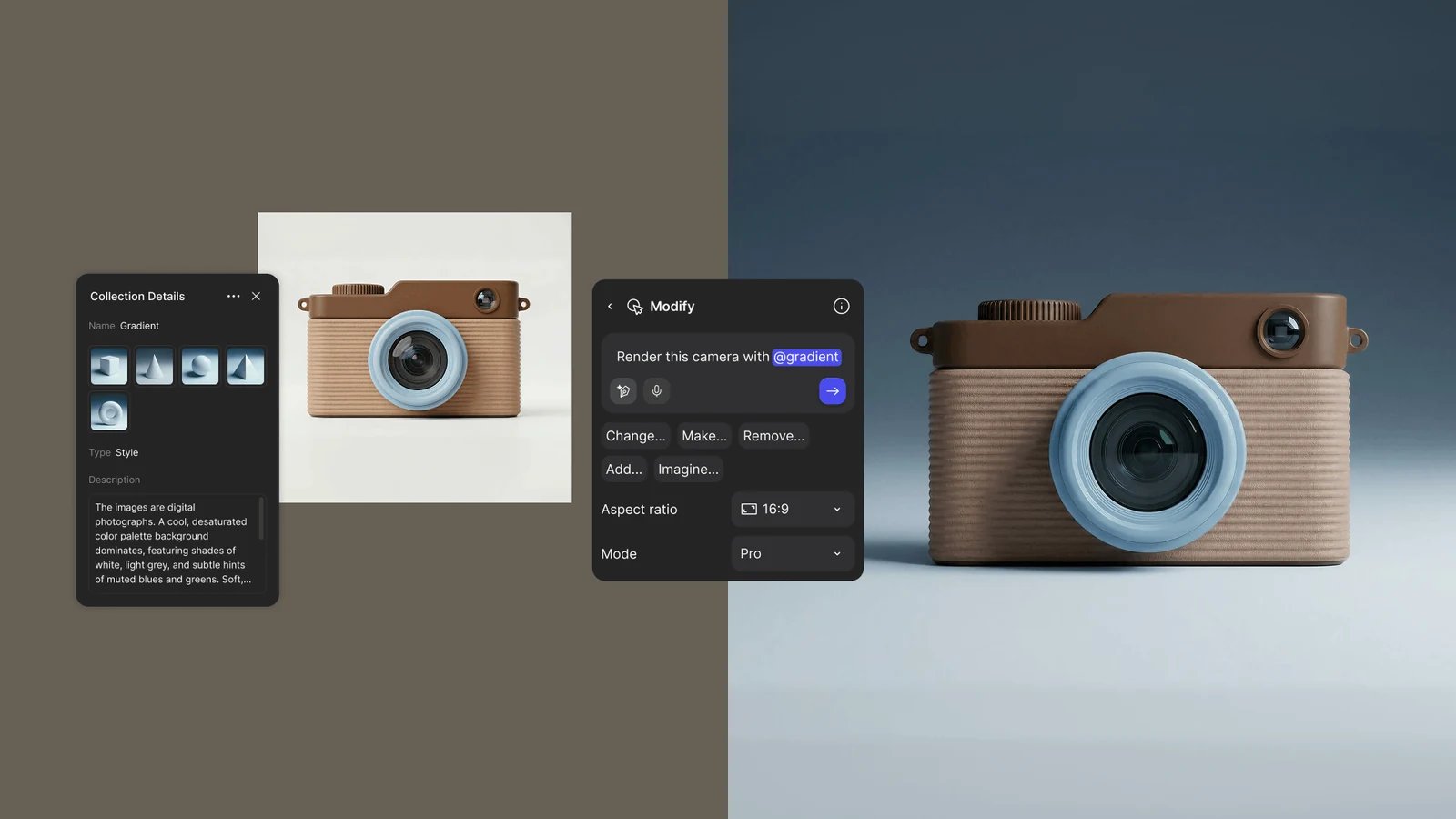
A Style collection named Gradient, mentioned in a Modify prompt.
- Click + (Add asset) to add palettes, colors, and images of approved materials and logos (Library).
- Save a prompt that works with + > Input > Prompt, or Add to library on its Modify block.
- Select a sketch, press Q and type @ to mention brand assets in the prompt (Mentions).
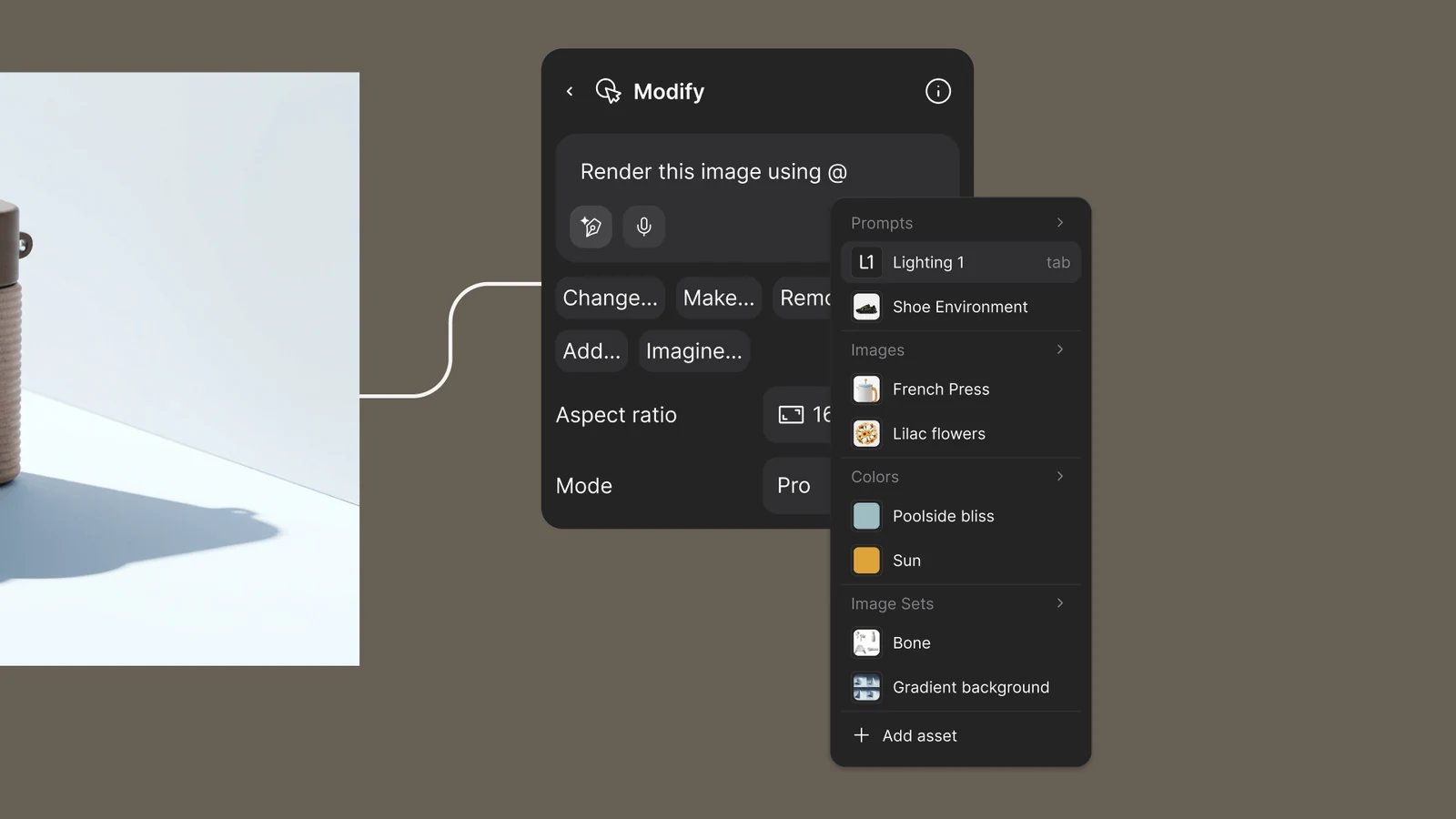
Type @ in a Modify prompt to pick a brand asset.
- Press Y, choose Style, click an approved render, then each new render (Smart Dropper).
- Set Mode to Pro so renders follow the brand images more closely (Modes and resolution).
Good to know
- Shared Workspace and Team libraries are on Enterprise. On Pro, Edu and Organization, save to My Library and share the file.
- A collection holds up to 9 images. One prompt can mention up to 5 assets, with at most 3 collections.
- Pro uses more credits than Standard (Credits).
Related
Match a look with references
References, collections and the Smart Dropper.
Collections
Make and mention collections.
Library
Libraries, folders and assets.
Colorway set
Apply brand palettes to a set.