

Share files and collaborate securely
Quickly share your files with collaborators using links and control exactly who can view or edit your work.When to use File Sharing
File Sharing allows you to easily share Vizcom files with teammates, stakeholders, or external collaborators using a simple link. You can control access permissions to ensure the right people have the appropriate level of access. This feature helps designers, teams, and collaborators review, present, or contribute to work across roles, workspaces, or organizations. Use File Sharing to gather feedback, present concepts, or collaborate on designs without manually transferring files.How to use File Sharing
1
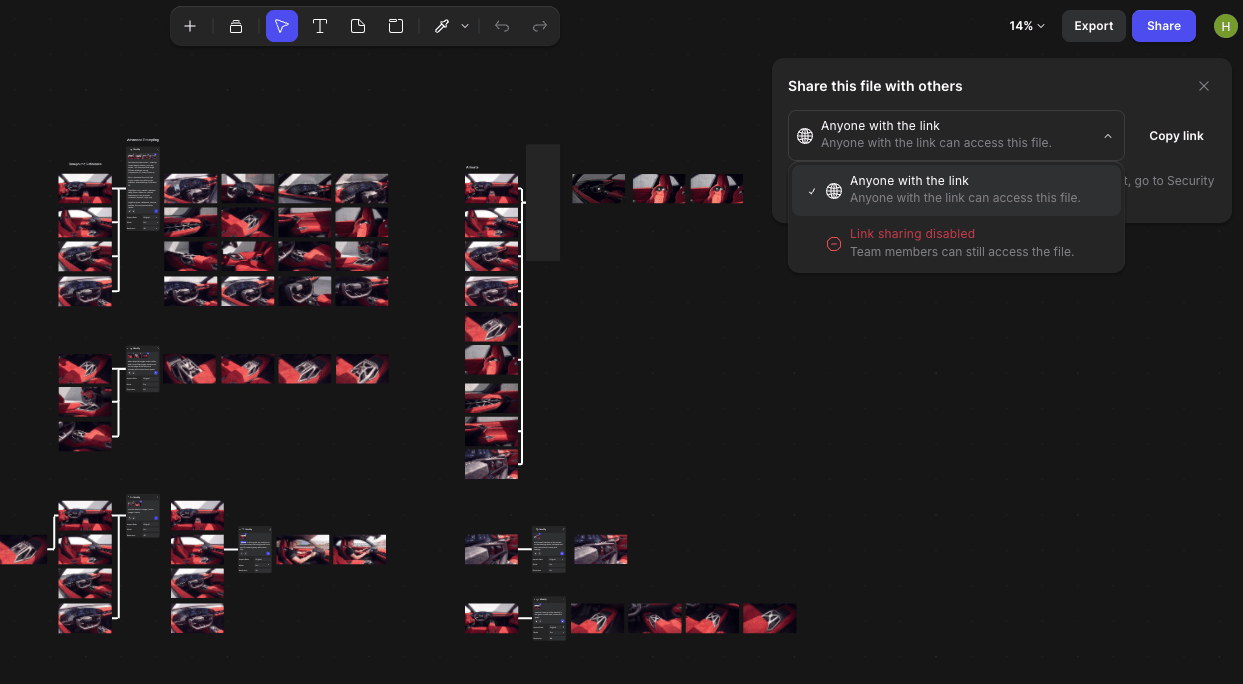
Click on the Share button at the top left.
2
Choose the appropriate access level.
Vizcom provides access control based on workspace roles: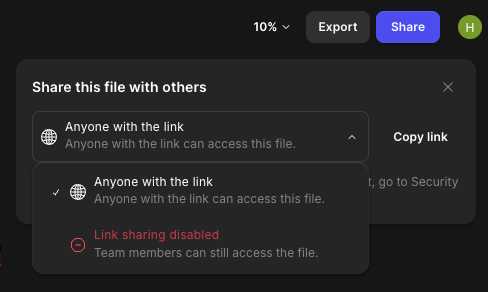
- Anyone with the link: anyone with the link can view the file, including external users
- Link sharing disabled: only team members can access the file.
3
Copy and send the link to your collaborator.
Tips when using File Sharing
Benefits include:- Quickly share work without exporting files
- Maintain control over who can view or edit
- Share concepts with external stakeholders
- Simplify team collaboration
Next Steps
- Manage workspace roles to control editing permissions
- Organize files for easier team collaboration
- Explore Workspaces to collaborate across teams