

Variate with Refine mode on an already made rendering
Enhance your renders by increasing detail and material quality while keeping your original colors, shapes, and proportions intact.When to use Refine mode
Refine Mode allows you to iterate on an existing sketch or render without changing its core design. It keeps your painted colors and structure while boosting your variation, inspiration workflow. Use Refine Mode when your concept is rough and undefined and you want to variate materials, shapes without generating a completely new interpretation.How to use Refine mode
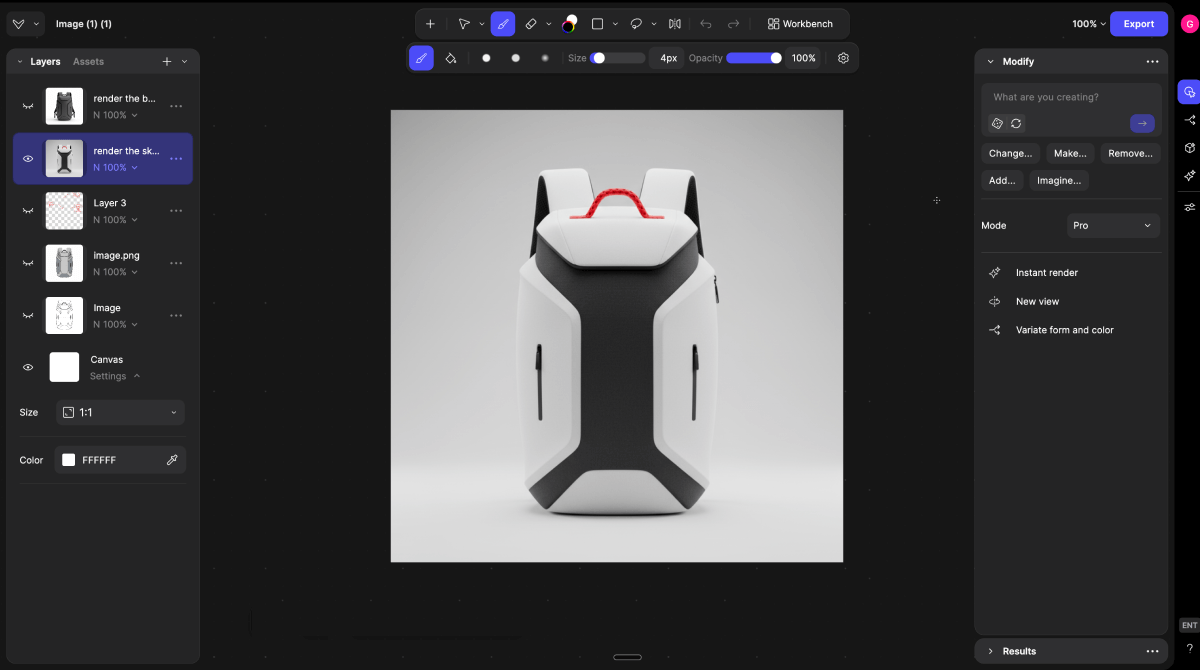
- Start with an existing sketch or render.
- Refine Mode works on current pixels already on your canvas, so begin with a colored sketch or generated render.
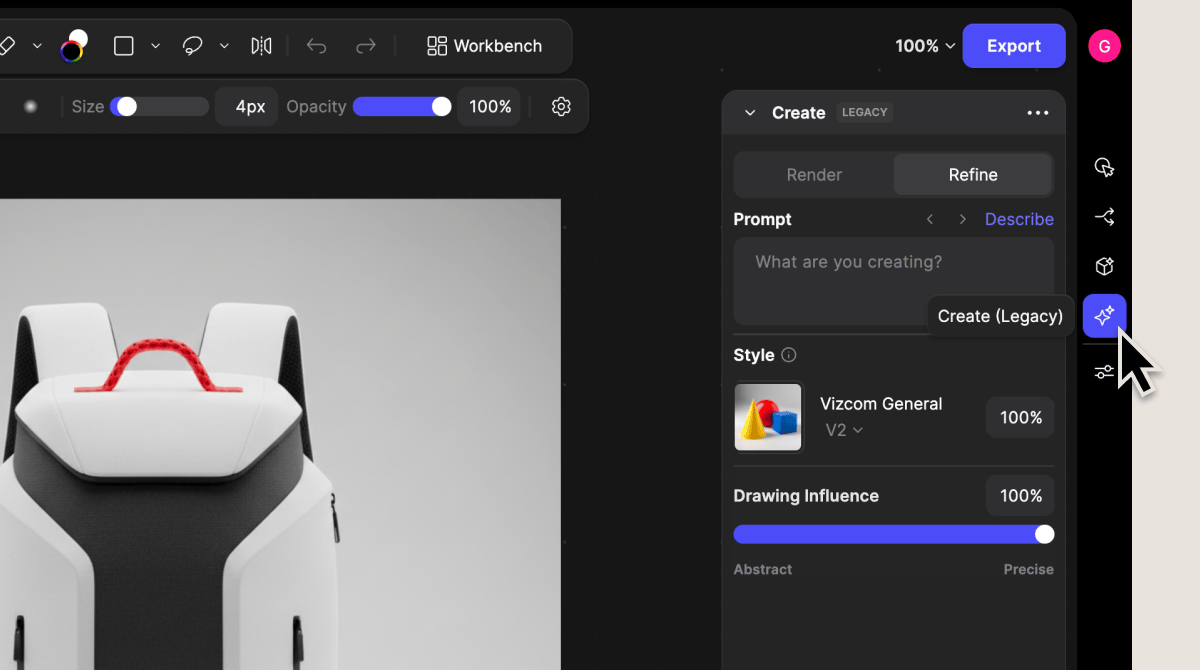
- Switch the Create panel to Refine Mode.
- Toggle between Render and Refine modes in the prompt or Create panel.
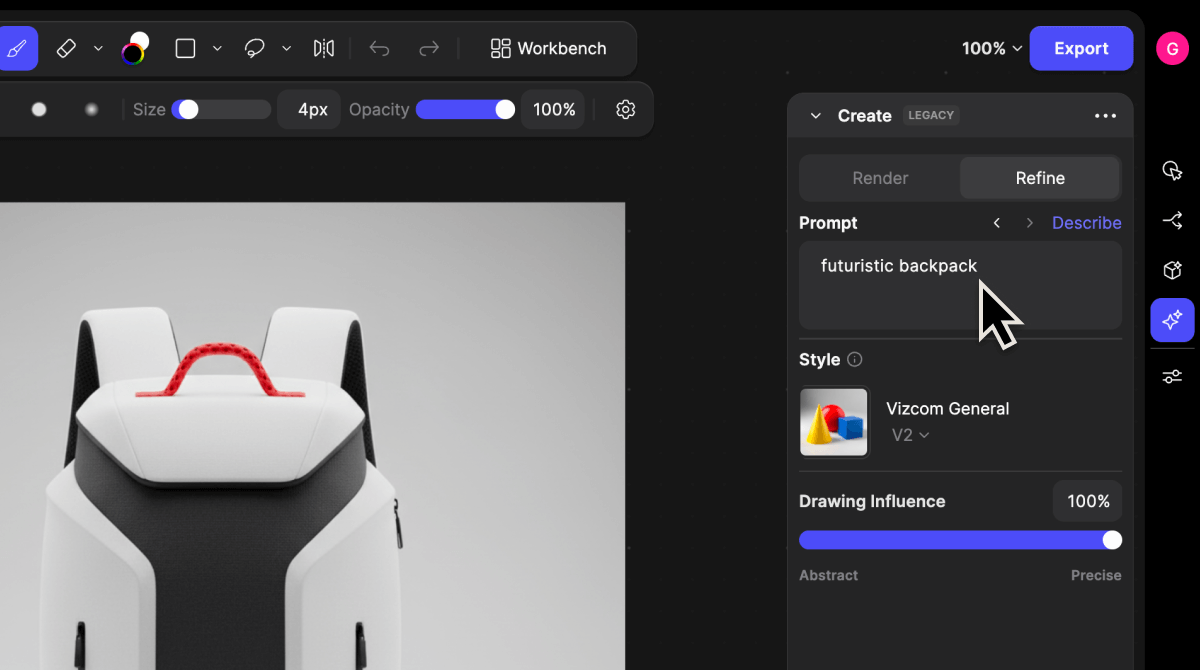
- Write or adjust your prompt.
- Describe visual qualities you want to variate according to while keeping a similar design.
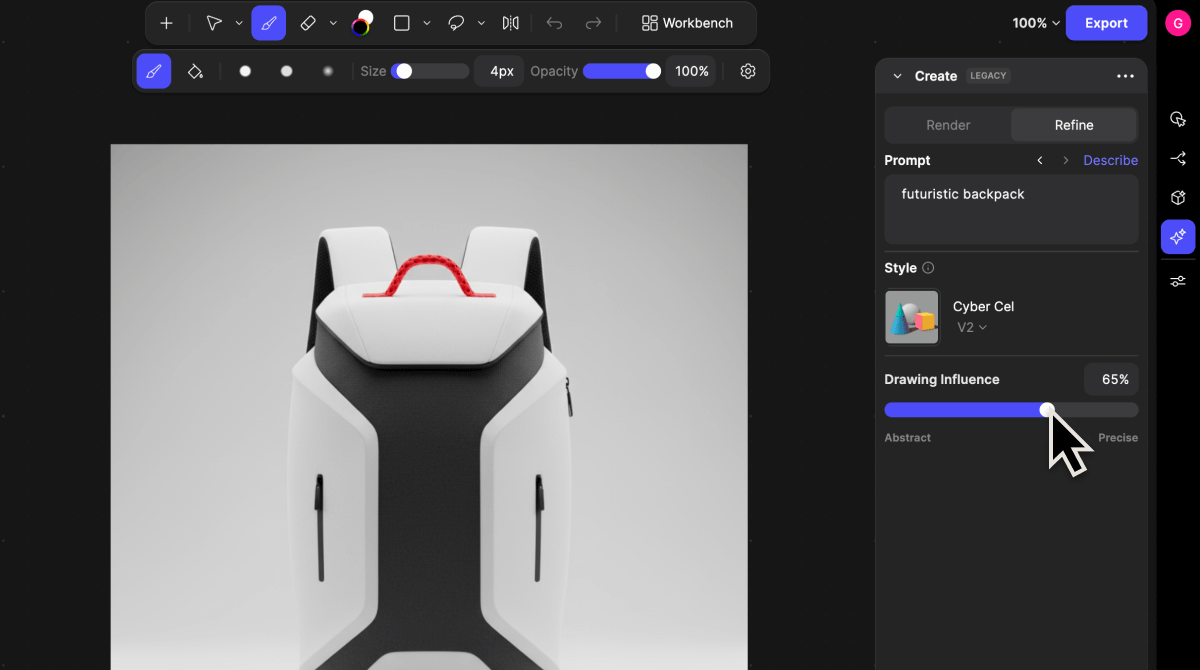
- Adjust Style and Drawing Influence settings.
- Your lines, proportions, and structure will remain consistent, especially at higher influence levels.
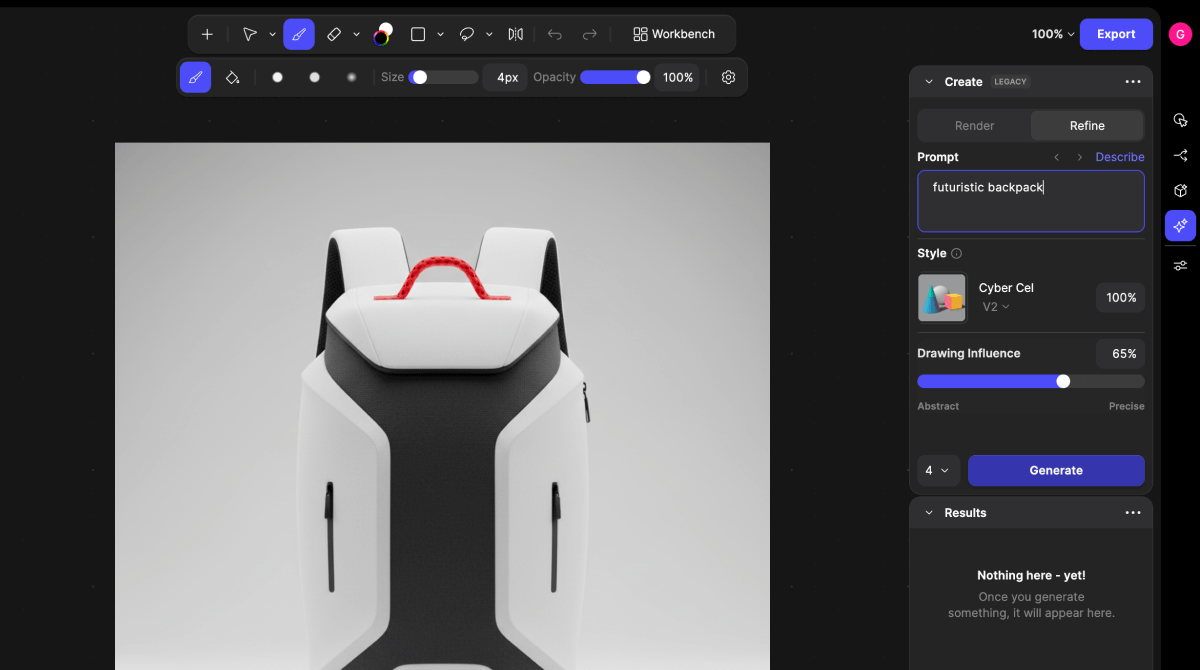
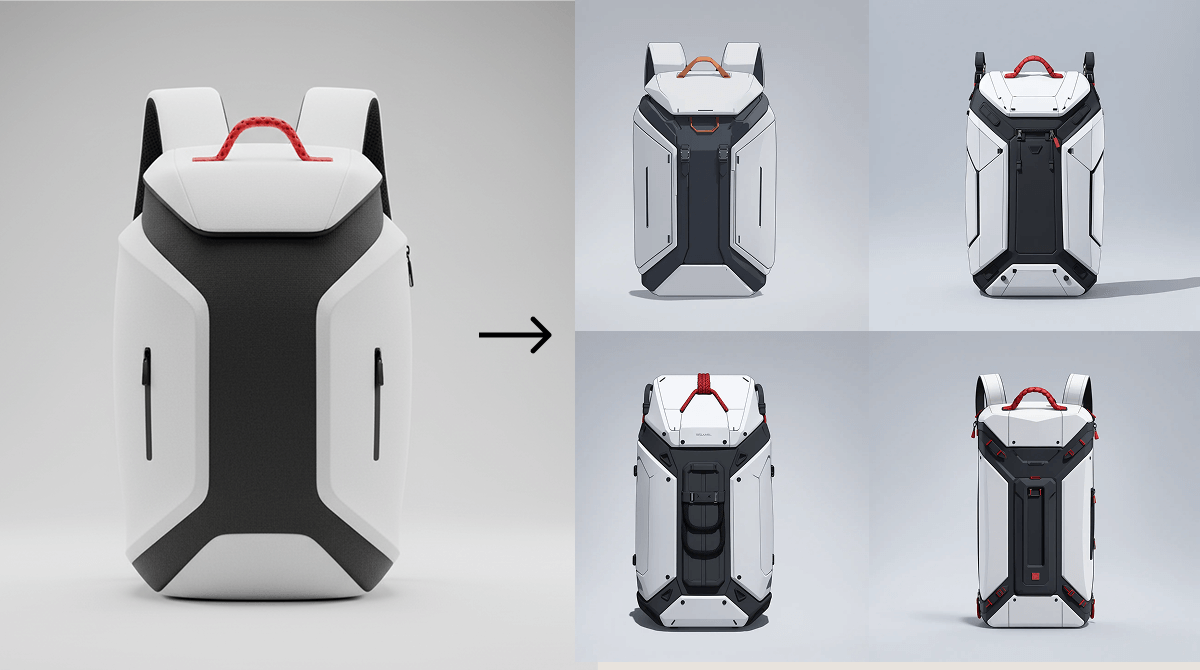
- Click Generate.
- Your render will update with variation and exploration according to the selected style and the amount of influence you gave
Tips
Use Refine Mode to iterate and variate on your original design. Start with a simple color-blocked sketch to give Refine Mode the best foundation for enhancing detail. Using Refine will help with:- Shape variation
- Maintain original color
- Iterate safely without losing your base design