

Revisit and restore your previous renders with Results
Access every render you’ve created in Studio, restore past versions, and reuse settings to iterate faster.When to use the Results Panel
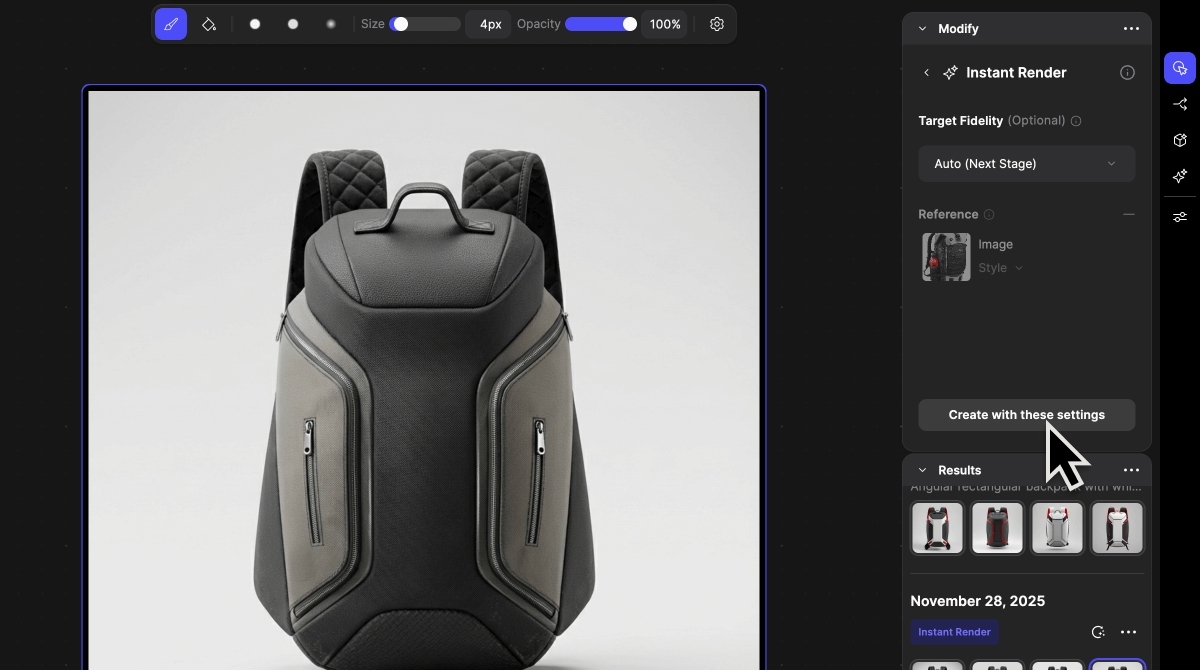
The Results Panel lets you view and restore all the renders you’ve created within a drawing file. It keeps a complete record of your generated results, including the exact settings and masks used. This feature is useful for designers who want to compare iterations, recover previous results, or reuse settings without recreating them manually. Use the Results Panel when you want to check out the latest generated images, or revisit earlier explorations, restore unsaved renders, or maintain consistency across iterations.How to use the Results Panel
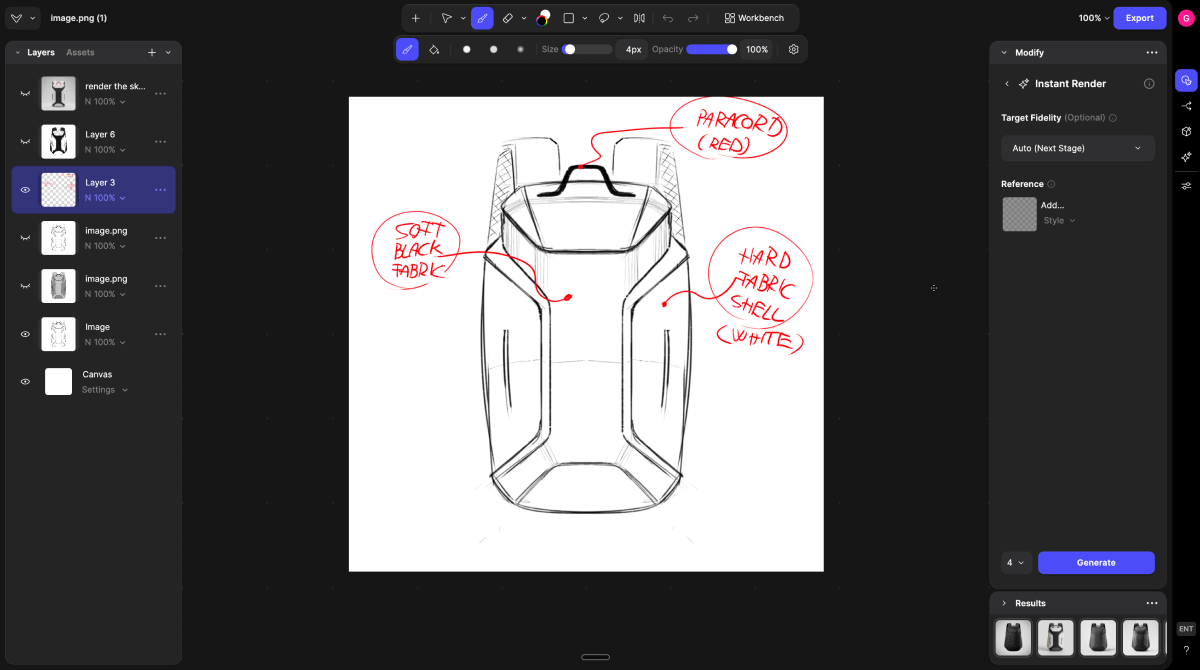
- Open the Studio view
- Find Results at the bottom right of the Studio view.
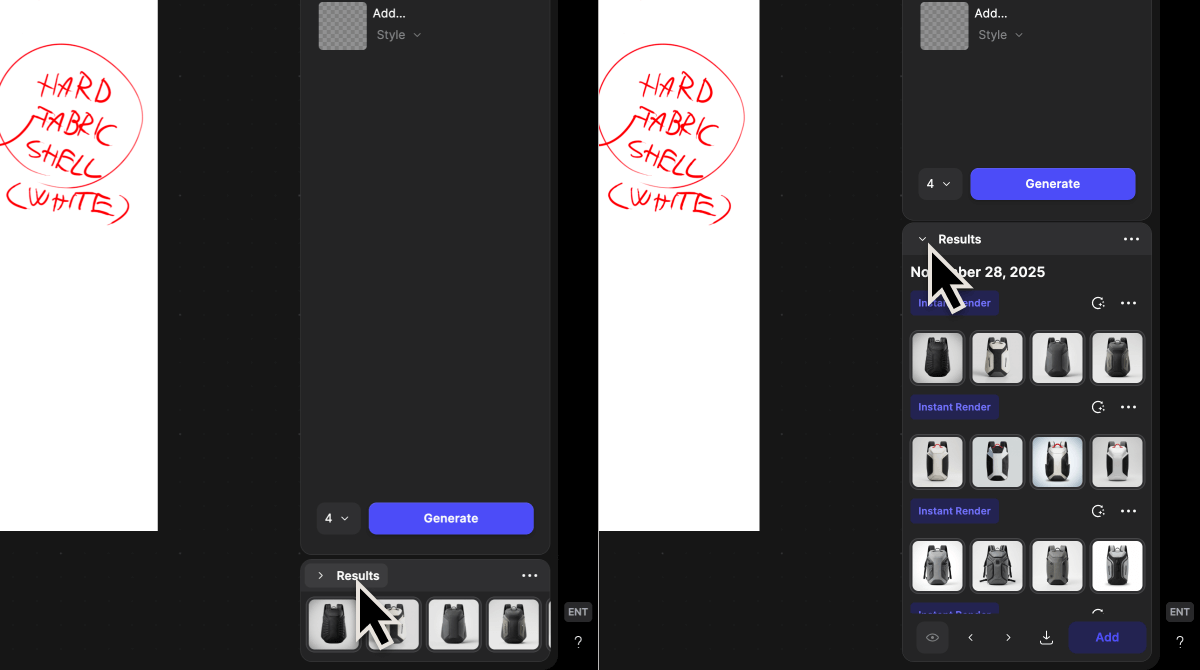
- Locate and extend the Results panel
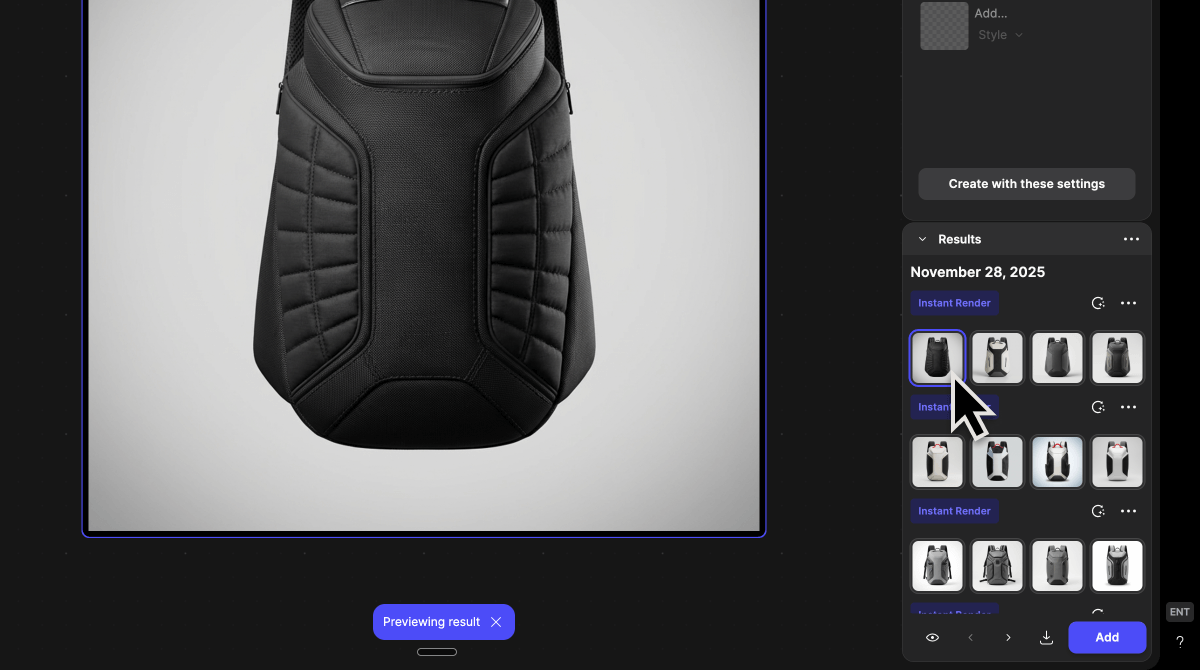
- Browse your previous renders
- Renders are displayed in reverse chronological order, with the most recent at the top.
- Each entry includes the date and time it was created.
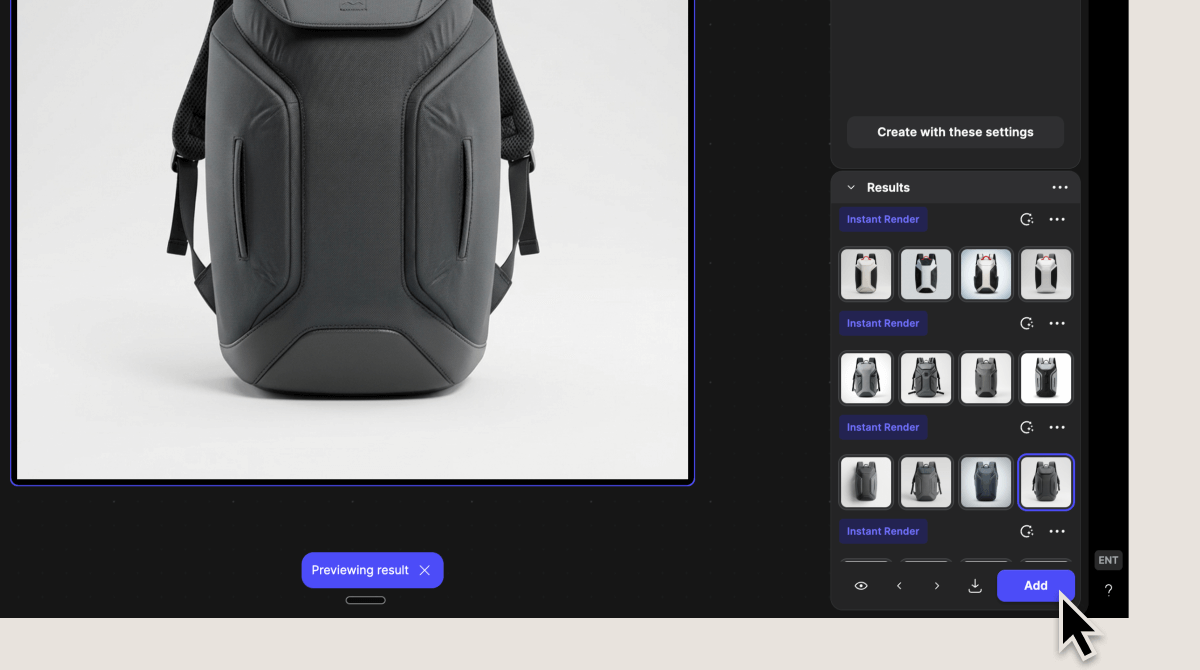
-
Add your desired render to your design or restore a previous render
You can:
- Add it back to your canvas
- Export it immediately
- Reuse previous settings
- Click Apply Settings to restore the exact settings and masks used for that render.
- This allows you to quickly regenerate or refine images without manually recreating your setup.
Tips when using the Results Panel
Use Results to speed up your workflow and explore more freely.- Recover unsaved or previous render versions
- Compare different iterations easily
- Reuse successful render settings
- Experiment without losing earlier results